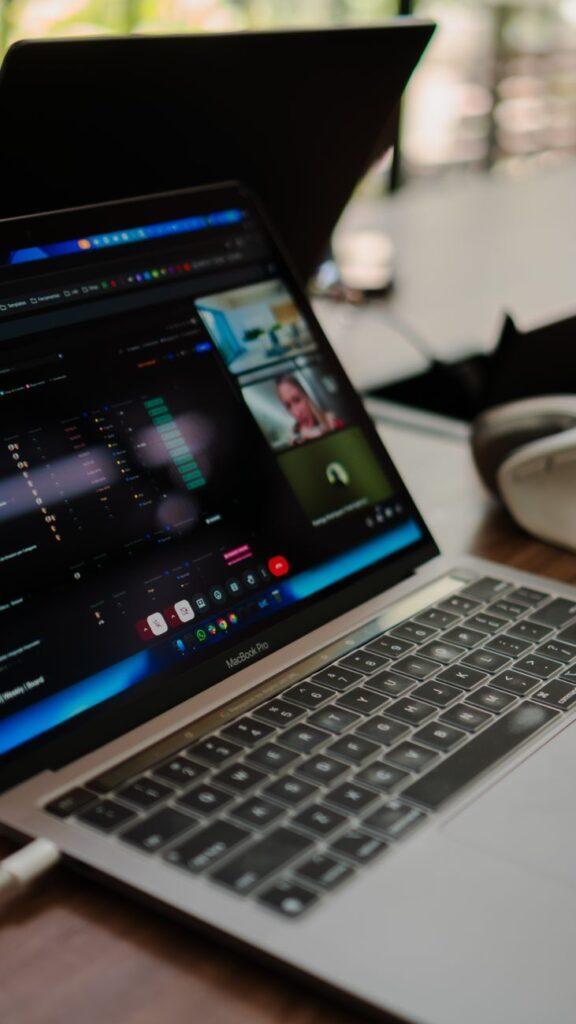

From “Can You See This?” to Crystal Clear: How Screen Recording Became Our Remote Lifeline
Remember the days of endless, confusing email chains trying to explain a software bug or a design tweak? I certainly do. It felt like playing a never-ending game of telephone, with each message getting more garbled. Then, along came screen capture tools, and suddenly, the remote collaboration world didn’t feel so… remote. It’s not just about showing someone your screen anymore; it’s about recording your screen to explain, demonstrate, and document complex processes with video evidence.
I can’t tell you how many times a simple screen recording has saved a project. Think about onboarding a new team member who’s miles away. Instead of a lengthy video call where they might miss crucial steps, you can record a quick tutorial showing them exactly how to navigate your company’s internal system. They can then rewatch it as many times as they need, at their own pace. It’s pure gold for asynchronous work. It’s the difference between a frustrated sigh and a productive afternoon.
It’s honestly surprising how quickly we all adapted to screen recording as a standard. I used to think it was just for IT folks demonstrating how to fix a computer issue. Now, marketing teams use it to give feedback on website mockups, developers use it to show how code is behaving, and even HR uses it to explain benefits packages. The ability to capture your screen with audio, and often with webcam integration, makes it feel as if you’re right there with the person, guiding them. This visual context eliminates so much guesswork and misunderstanding.
One of the biggest upsides is the sheer efficiency it brings. Instead of scheduling a 30-minute meeting to clarify a single point, you can record a two-minute video explaining it. This is huge for saving time, especially when dealing with different time zones. Tools like Loom have made this incredibly simple, allowing you to record, share a link, and get feedback all within minutes. Imagine explaining a tricky Excel formula – a quick screen share video with your voice explaining each step is infinitely clearer than a text description.
However, it’s not all sunshine and perfectly captured pixels. My biggest gripe with screen recording tools is the sheer volume of content they can generate. I’ve seen teams drown in unorganized video files, making it harder to find what they need later. There’s a real risk of information overload if you don’t have a solid system for naming, storing, and retrieving your recordings. It’s like having a messy filing cabinet – the information is there, but finding it requires a treasure map.
Despite that organizational headache, the benefits are undeniable. Companies, especially those embracing remote or hybrid work, have seen significant improvements in project turnaround times and reduction in communication errors. For instance, a study by Gartner indicated that businesses adopting asynchronous communication methods, which heavily rely on screen capture, can see up to a 20% boost in productivity. This isn’t just a minor improvement; it’s a fundamental shift in how work gets done.
The accessibility of these tools is another major factor. Many come with free tiers that offer plenty of functionality for individuals or small teams. Paid plans, which can range from a few dollars to upwards of $15 per user per month for advanced features like longer recording times or better editing capabilities, are also quite reasonable when you consider the time and resources they save. Investing in a good screen recorder is an investment in clear communication, which, let’s be honest, is the bedrock of any successful project. You can even find extensive comparisons of popular tools on sites like PCMag.
What truly blew my mind was seeing how effectively screen recordings can be used for customer support. Instead of trying to describe a complex troubleshooting process over the phone, a support agent can record a quick video showing the customer exactly what to click and where to go. This not only resolves issues faster but also creates a much more positive customer experience. It’s a win-win that feels almost too good to be true sometimes. This visual guidance is far more impactful than any written FAQ.
Ultimately, the rise of screen capture in remote collaboration isn’t about the technology itself; it’s about bridging the physical gap with visual clarity. It’s about ensuring everyone is on the same page, even when they’re on different continents. The real question is, why aren’t we using them for everything?