
Unmasking the Time Bandits: Where Does Your Day Really Vanish?
I remember one client, a small marketing agency, who swore their team was working 10-hour days and still not hitting deadlines. They were pulling their hair out, convinced their employees were slacking off. Then, we implemented a time-tracking software, and the real story began to unfold. It wasn’t outright laziness; it was a thousand tiny leaks. Constant email checking, endless Slack notifications, impromptu water cooler chats that stretched into 15-minute discussions, and the sheer amount of time spent figuring out what to work on next. Suddenly, those 10-hour days were more like 7 productive hours with 3 hours lost to digital and physical distractions.
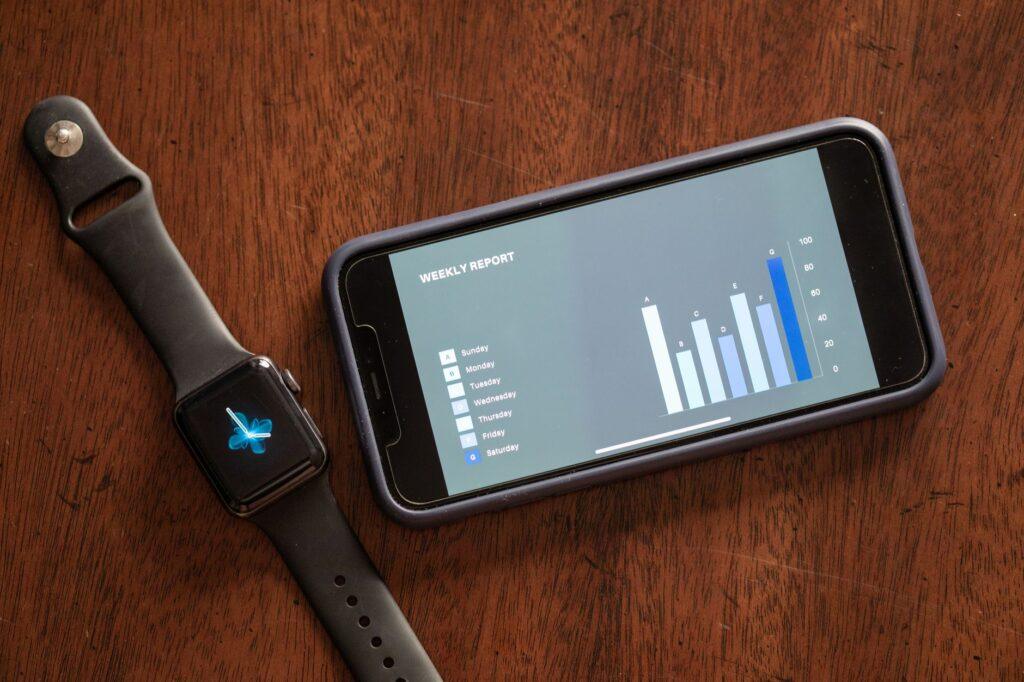
It’s genuinely shocking how much time we collectively think we spend on important tasks versus what the data actually shows. Take project management, for instance. We might estimate we spend an hour a day on it, but the time-tracking logs revealed one team was actually spending closer to two and a half hours daily, mostly jumping between different tools and rereading project briefs. The software forced them to see those interruptions for what they were: time sinks. Seeing those bar charts and pie graphs of where every minute went was eye-opening for them, and frankly, it was a bit mortifying for me to witness their initial reactions.
One of the biggest revelations often comes from understanding meeting overhead. Many teams assume a one-hour meeting is just that. However, time-tracking tools can show the actual time spent preparing for that meeting, the travel time (even if it’s just walking to another conference room), the meeting itself, and then the follow-up to organize notes and action items. It can easily balloon from an hour to two or three hours of real work when you account for everything. This was the case for a consulting firm I worked with; they had three major meetings a week, and the time logs showed it was consuming nearly a full day of their team’s capacity, leading to missed client deliverables.
Of course, it’s not all sunshine and roses. The biggest downside, in my opinion, is the potential for it to feel like big brother is watching. If implemented poorly, without clear communication about why you’re tracking time, it can breed resentment and mistrust. Employees might feel micromanaged, leading to a dip in morale. I’ve seen it happen; a company started using a time-tracking app without explaining its purpose, and within weeks, productivity actually decreased because people were spending more time trying to “look busy” on the clock than actually getting work done. It’s a fine line to walk, and transparency is absolutely key. You need to frame it as a tool for process improvement, not just employee surveillance.
Think about creative work. You’d assume creativity can’t be tracked, right? Wrong. Even for a graphic designer or a writer, time-tracking software can highlight how much time is spent on research, brainstorming, client feedback loops, and revisions. A freelance illustrator I know used a simple time-tracking app like Toggl Track, and was stunned to find out that 30% of her billed time was actually going into endless client revisions that were never explicitly defined in the initial scope. This forced her to rethink her contract terms and introduce fixed revision rounds in her proposals, which is a smart move for any freelancer or agency.
The administrative burden alone can be a significant chunk of any workday. We’re talking about things like logging expenses, managing invoices, scheduling appointments, and responding to non-urgent emails. A study by Stanford University suggested that working more than 50 hours a week led to a significant drop in productivity. Time-tracking software can help pinpoint where these administrative tasks are taking up disproportionate amounts of time. For a small business owner, seeing that they’re spending 15-20 hours a week on pure admin can be a wake-up call, prompting them to delegate or automate some of those tasks.
Honestly, the sheer volume of unaccounted-for time is what still surprises me. It’s rarely a single, massive time suck. It’s a thousand tiny papercuts. The time spent searching for files on a disorganized network drive, the five minutes here and there toggling between applications, the unscheduled breaks that extend a little too long. These might seem insignificant in isolation, but when you add them up over a week, you’re looking at potentially several hours of lost productivity. It’s a sobering thought that for many, their actual, focused work might only occupy 50-60% of their purported workday.
Many people resist this idea, arguing that creativity and deep work can’t be measured. And I agree, you can’t quantify the spark of inspiration. But what you can measure is the time spent attempting to achieve that spark. You can track how much time is dedicated to research, to experimentation, to focused effort. A software like RescueTime can even categorize your computer usage into productive and distracting activities, giving you a real-time score of how well you’re focusing. It showed one writer I know that his most productive hours were often between 6 AM and 9 AM, but he was routinely scheduling his most demanding writing tasks for the afternoon when his focus was waning.
This isn’t about catching people being unproductive; it’s about understanding the flow of work and identifying bottlenecks. It helps answer questions like, “Why are we always behind on Project X?” or “Why does Task Y always take twice as long as we estimate?” The data can reveal that perhaps a team is spending too much time on unnecessary reporting, or that there’s a lack of clear communication leading to redundant efforts. For example, a construction company found that their project managers were spending an inordinate amount of time on daily status reports, time that could have been better spent on site supervision or client interaction. By streamlining the reporting process, they freed up several hours per week for their management team.
Ultimately, understanding where your workday goes isn’t about increasing output for its own sake. It’s about gaining clarity, making smarter decisions about resource allocation, and fostering a more efficient and less frustrating work environment. It’s about realizing that those hours you think you’re working aren’t necessarily the hours you’re actually productive, and that’s okay if you know how to adjust. Still, if you’re looking for a way to guarantee you’re never wasting another minute, you might be better off just quitting your job.