
Don’t Let a Digital Catastrophe Wipe You Out: Why Backups Are Your Data’s Lifeline
I remember when my cousin lost his entire photo album from his college years – thousands of pictures – because his hard drive died unexpectedly. He’d been meaning to back them up for months, always thinking “I’ll do it next week.” It was such a preventable tragedy, and honestly, it still makes me a bit angry when I think about it. That’s the thing about data loss; it often happens when you least expect it, and the most common culprits are surprisingly simple: hardware failures, accidental deletions, and malware attacks.
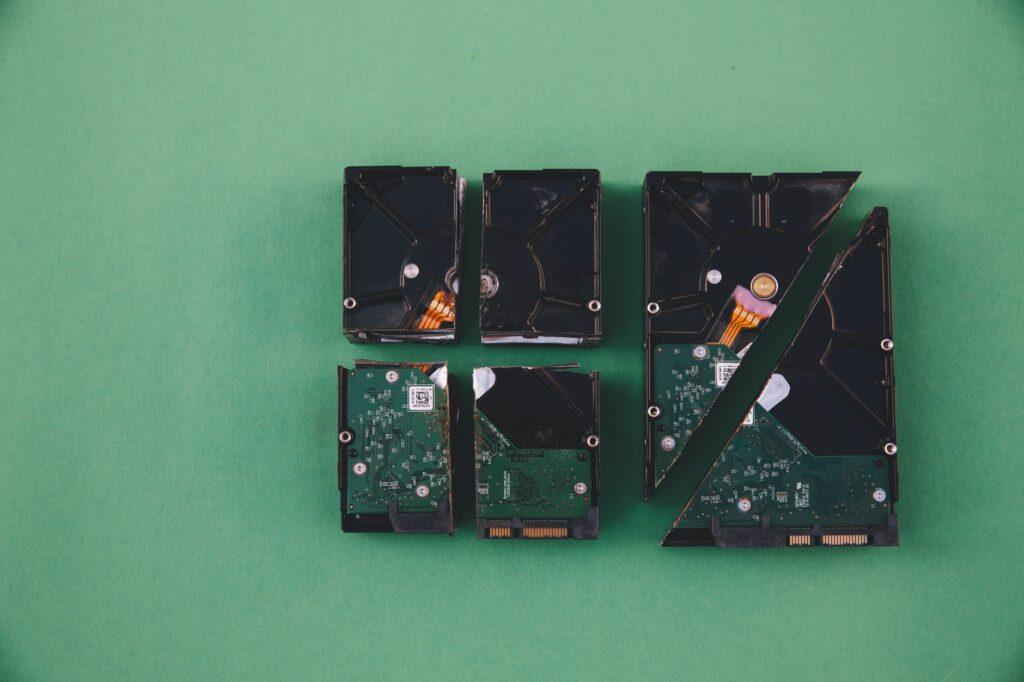
A failed hard drive is probably the most classic way people lose data. These things aren’t built to last forever. Think about how many times you’ve heard a computer make weird noises or seen a disk warning message pop up. Over a few years, maybe five to ten years on average for a consumer-grade drive, the moving parts can just give out. Or, you might accidentally drop your laptop, and bam – all your precious files are gone. Without regular backups, that failed drive means permanent loss, and the cost to recover data professionally can run into the thousands of dollars, assuming it’s even possible.
Then there are the moments of sheer panic when you realize you just deleted a crucial file or folder. We’ve all been there, right? You’re cleaning up your desktop or organizing files, and your mouse slips, or you click the wrong thing. Suddenly, that important document, your client proposal, or even your kid’s first drawings are gone. If you haven’t been diligently backing up your data, your immediate reaction is probably a wave of dread. Trying to recover deleted files from a single drive is a gamble; sometimes it works, but often the overwritten data is lost forever.
Malware is another massive headache. Ransomware, in particular, is terrifying. It encrypts all your files and demands a hefty sum – sometimes hundreds or even thousands of dollars – to get them back. And even if you pay, there’s absolutely no guarantee you’ll ever see your data again. I’ve seen small businesses crippled by ransomware attacks, forced to shut down because their customer records, financial data, and inventory lists were inaccessible. A recent report from Cybersecurity Ventures estimated that ransomware attacks cost the world billions of dollars annually, and that number is only climbing.
The simplest and most effective defense against all these scenarios is a robust backup strategy. It’s not rocket science. You need to have copies of your data stored somewhere separate from your main computer. This could be an external hard drive, a Network Attached Storage (NAS) device, or, my personal favorite for ease and reliability, cloud backup services. Services like Backblaze or Carbonite automate the process, so you don’t even have to think about it. They upload your files to secure servers, and you can typically restore them anytime from anywhere.
Now, cloud backups aren’t without their quirks. The initial upload can take a long time, especially if you have a massive amount of data and a slow internet connection. Imagine trying to upload several terabytes of photos and videos – it could realistically take days or even weeks. And then there’s the recurring cost. While often very reasonable, it’s a monthly expense you need to factor in, unlike a one-time purchase of an external drive.
For some people, a local backup using an external drive is still the preferred method. You buy a drive, plug it in, and use software like Time Machine on a Mac or File History on Windows to automatically create snapshots of your system. This is great for quick restores of individual files or even your entire system if a drive fails. However, if disaster strikes in the form of a fire, flood, or theft that destroys your home or office, your local backups are gone too. That’s why a 3-2-1 backup strategy – three copies of your data, on two different media, with one copy offsite – is the gold standard recommended by security experts.
Honestly, the sheer number of people I’ve encountered who don’t have a backup system in place is astounding. It’s like driving a car without insurance; you might be fine for years, but when that one accident happens, the consequences are devastating. Investing a little time and a small amount of money upfront in regular backups can save you an immeasurable amount of heartache and financial loss down the line. It’s just common sense, and frankly, I’m amazed more people don’t treat their digital lives with the same caution they do their physical belongings. Even so, some folks will still probably wait until they experience a catastrophic data loss themselves before they bother setting up a simple backup solution.