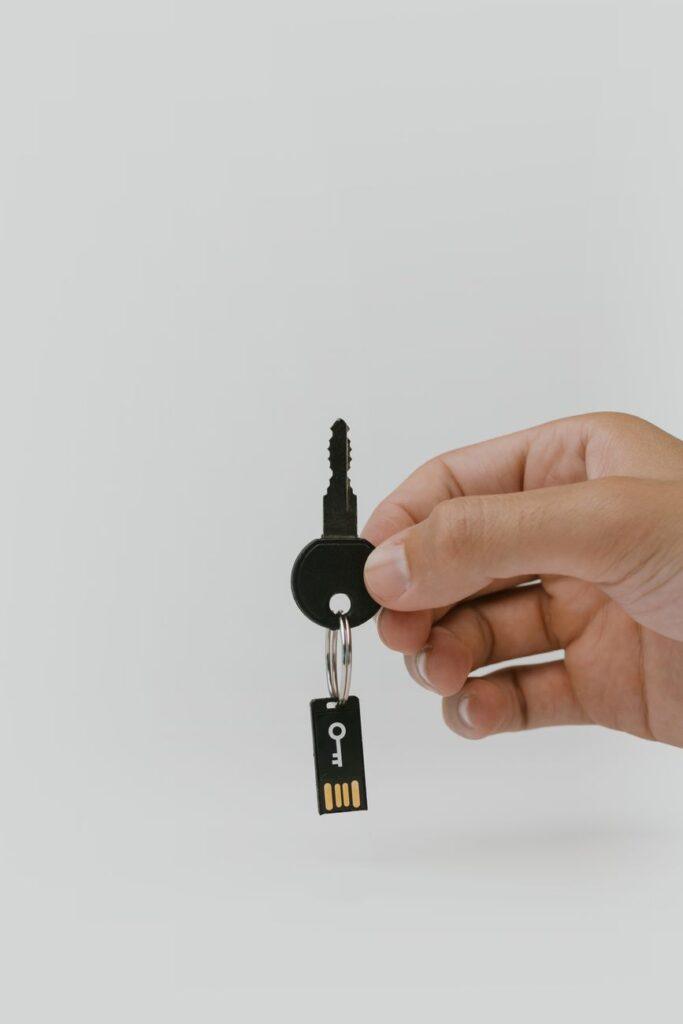

Is Your Digital Sock Drawer Really Private? Why You Need to Lock Down Your Files, Even if You’re Not a Spy
You might think, “Encrypting files? That’s for hackers and spies, right? My personal computer just has vacation photos and maybe a few embarrassing old emails.” Believe me, I used to think that too. Then my friend’s laptop got stolen right out of his car, and all his personal banking info, tax returns from the last five years, and even some sensitive medical records were just… out there. It was a real wake-up call, and frankly, I was shocked at how casually he’d treated his digital life. He ended up having to deal with identity theft monitoring for ages, and the headache was immense.
It’s not just about theft, though. Think about all the cloud storage services you use. Are you really sure no one at those companies can peek at your files? They say they don’t, but data breaches happen, and sometimes the “accidental” access is more common than we’d like to admit. Even if your data isn’t directly exposed, imagine losing access to your account due to some glitch or a change in terms of service. Having your sensitive documents encrypted means you hold the key, not some faceless corporation. It’s about digital sovereignty, plain and simple.
And what about when you pass away? I know, it’s a morbid thought, but it’s something to consider. If your digital assets – photos, journals, financial documents – aren’t accessible, they could be lost forever. Or worse, they could fall into the wrong hands if someone tries to access your devices without understanding the passwords or encryption keys. Encryption ensures that your digital legacy is protected and can be passed on securely to your loved ones, if you choose.
My personal opinion? We’ve gotten way too comfortable with the idea that our digital lives are somehow magically secure just because they’re behind a login screen. It’s a dangerous assumption. Look at the recent data breaches that have affected hundreds of millions of people; some of these were companies you’d expect to have top-notch security. One breach alone exposed tens of millions of customer records, including names, addresses, and even social security numbers. That’s why end-to-end encryption is so crucial for everyday users.
One of the most accessible ways to get started is by using built-in encryption features on your operating system. Both Windows and macOS offer robust file system encryption. On Windows, you have BitLocker (available on Pro and Enterprise editions), which can encrypt your entire hard drive. For Mac users, FileVault does pretty much the same thing, scrambling everything on your startup disk. It’s often as simple as toggling a switch in your system settings, and once it’s set up, it works in the background without you even noticing.
For specific files or folders, you can use tools like VeraCrypt, a free and open-source option that’s incredibly powerful. You can create encrypted containers – essentially password-protected virtual drives – where you can store your most sensitive files. It’s a bit more hands-on than system-wide encryption, but it gives you granular control over what’s protected. I’ve used VeraCrypt for years to keep my financial planning documents locked down, and it’s never let me down. The peace of mind is worth the slight learning curve.
Now, here’s the real downside, and it’s a big one: if you lose your encryption key or password, your data is gone. Forever. There’s no “forgot password” option for strong encryption. I’ve heard horror stories of people losing access to years of work because they misplaced a password manager file or forgot a passphrase. It’s a sobering reminder that while encryption protects your data from others, it also creates a single point of failure if you’re not careful. This is why using a reputable password manager is non-negotiable when dealing with encrypted data.
Beyond whole-drive encryption and container software, many cloud storage providers offer their own encryption, though it’s not always end-to-end. Services like Sync.com or Tresorit focus heavily on privacy and offer zero-knowledge encryption, meaning they can’t access your files even if they wanted to. It’s a pricier option than something like Google Drive or Dropbox, but for truly sensitive information, it’s a worthwhile investment. You’re essentially paying for the assurance that only you can unlock your digital vault.
Ultimately, even if your computer is just a portal to cat videos and online shopping, the amount of personal information it touches is staggering. Every website you visit, every email you send, every transaction you make leaves a digital footprint. Encrypting your files is the simplest, most effective way to ensure that footprint doesn’t become a roadmap for identity thieves or nosy corporations. So, while it might seem like overkill, treating your personal computer with the same security precautions as a corporate server isn’t paranoia – it’s just smart.