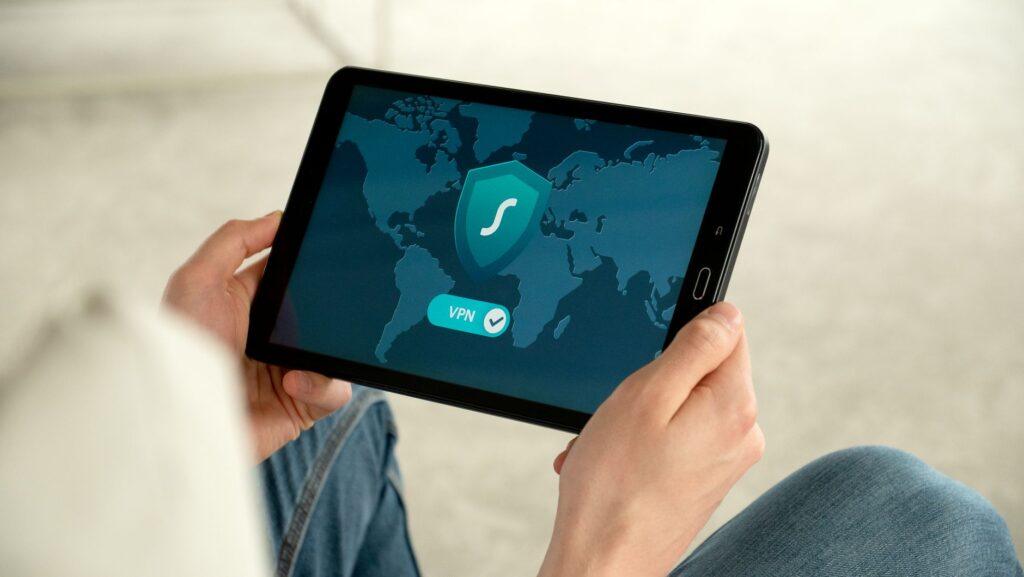

Your Browser’s Little Black Box vs. a Digital Cloak of Invisibility
I was so frustrated the other day. I thought I was being so slick, just clearing my browser cookies after a quick online shopping spree. Then, bam! An ad for those exact same shoes popped up everywhere I looked for the next week. It felt like my browser was actively taunting me, saying, “Ha! I know what you did.” That’s when I really started thinking about what those standard browser privacy settings actually do, and how they stack up against something like a VPN. It’s not the same ballgame at all.
Standard browser privacy settings, like incognito mode or clearing cookies, are like putting on a disguise after you’ve already been seen. They can stop your local machine from remembering what you did, and make it a bit harder for websites to track you immediately. Think of it as tidying up your room after a wild party – the mess is gone for a bit, but the neighbors still heard the noise. Incognito mode primarily prevents your browser from saving your browsing history, cookies, and site data on your computer. It’s great for not leaving a trace for anyone else using your device, but it doesn’t hide your activity from your internet service provider (ISP) or the websites you visit. They can still see your IP address, and thus, your general location.
Now, a Virtual Private Network (VPN) is a completely different beast. Imagine you’re sending a postcard versus sending a letter inside a sealed, unmarked envelope delivered by a secret courier. A VPN encrypts your internet traffic and routes it through a remote server operated by the VPN provider. This process masks your real IP address with the IP address of the VPN server, making it incredibly difficult for anyone – your ISP, websites, or even hackers on public Wi-Fi – to see what you’re doing online. It’s like a digital cloak of invisibility. For instance, if you’re using public Wi-Fi at a coffee shop, your connection is usually unencrypted and vulnerable. A VPN encrypts that data, protecting it from prying eyes on the same network. You can find reputable VPN services from companies like NordVPN or ExpressVPN, and their pricing often falls in the range of $3 to $15 per month, depending on the subscription length.
One of the biggest downsides to using a VPN is the potential for slower internet speeds. Because your traffic is being rerouted and encrypted, there’s an overhead that can, in some cases, noticeably impact your download and upload speeds. It’s not always a dramatic difference, and with good VPN providers, you might barely notice it, but it’s definitely a trade-off. Another thing that genuinely surprises me is how many people still think incognito mode makes them anonymous online; it’s just not true, and that misconception can lead to a false sense of security. For a deeper understanding of how IP addresses work and how they’re masked by a VPN, you can check out resources like Wikipedia’s explanation of IP addresses.
When you use standard browser privacy settings, the websites you visit still see your real IP address. This means they can track your location with surprising accuracy, often down to your city or even neighborhood, depending on the granularity of the IP address lookup. They can then build a profile based on your browsing habits across different sites, even if you clear your cookies periodically. This data is often used for targeted advertising, but it can also be collected by third parties and potentially sold. It’s a bit unsettling to realize how much information is being gathered just from your IP address alone.
However, if you’re looking for robust online privacy, especially when dealing with sensitive information or wanting to bypass geo-restrictions, a VPN is really your best bet. Standard browser privacy settings are more like a basic digital tidy-up, while a VPN offers a significant upgrade in security and anonymity. A recent report by NerdWallet highlighted that many popular VPNs offer features like no-log policies, meaning they don’t store records of your online activity, which is crucial for true privacy. The level of encryption a VPN provides can range from AES-128 to AES-256, with the latter being the industry standard for strong security.
Ultimately, relying solely on your browser’s built-in privacy features is like trying to stop a flood with a teacup.