
Expanding Your Digital Real Estate: Beyond Just More Screens
My buddy Dave was complaining the other day that his single monitor was just cramping his style. He’s a graphic designer and he’s constantly juggling a million windows – sketches, client feedback, reference images, email. He asked if just buying two more monitors would solve all his problems. It got me thinking about how many people confuse virtual desktops with multiple monitors, and honestly, they’re worlds apart, even though they both aim to give you more digital elbow room.
A virtual desktop, for starters, is entirely software-based. Think of it as having multiple, entirely separate desktop environments all running on your single physical screen. You can have one virtual desktop with all your work stuff – your email client, project management tools, and that gigantic spreadsheet you’re wrangling. Then, you can switch to another virtual desktop with your personal stuff – social media, your music player, maybe a streaming service. It’s like having mini-workspaces you can flip between with a keyboard shortcut, usually something like Control + Windows Key + Left/Right Arrow. No extra hardware needed, just a neat trick your operating system can do. Microsoft calls them Virtual Desktops, while macOS has Spaces. It’s an incredibly efficient way to organize your workflow without spending a dime on extra gear.
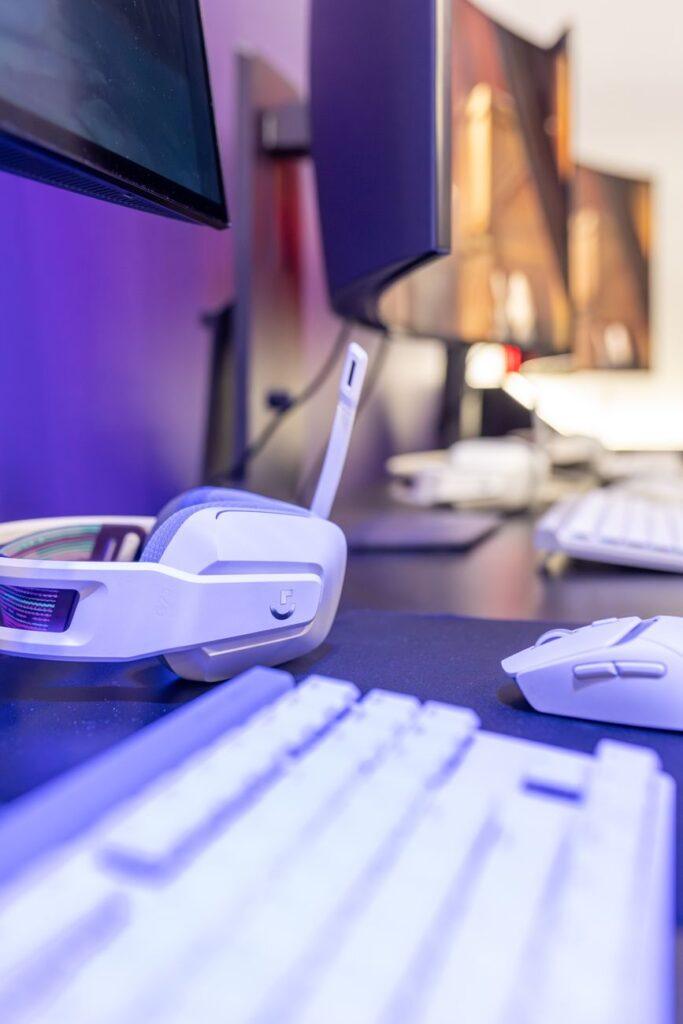
Now, multiple monitors are the hardware solution. This is what Dave was picturing: physically attaching two, three, or even four extra screens to your computer. Each monitor becomes a distinct area where you can spread out your windows and applications. You can have your main design software on your primary display, then your client emails and color palettes on a secondary screen, and maybe reference images on a third. It’s a very tactile way to expand your workspace. The biggest upside? You’re literally seeing more information at once, side-by-side, without needing to alt-tab or switch virtual environments. This is often where the real productivity gains happen for people dealing with lots of visual information, like programmers or financial analysts.
But here’s where it gets tricky and honestly, a bit frustrating. While multiple monitors offer a clear visual advantage, they also come with significant downsides. First, there’s the cost. Even budget monitors can add up, and if you’re looking for high-resolution displays or color-accurate panels for creative work, you’re easily looking at several hundred dollars per screen. Then there’s the desk real estate. A setup with three or four monitors takes up a serious amount of space. You’ll need a sturdy desk, and you might find yourself constantly turning your neck to look at different screens, which can lead to neck strain and discomfort. I saw a guy with five monitors once, and he looked like he was piloting a spaceship – cool, but probably not great for his posture.
The real kicker for me when it comes to multiple monitors is the complexity of setup. You need to make sure your graphics card can handle the number of displays and the resolution, and then you’re wrestling with cable management, ensuring you have the right ports (like HDMI, DisplayPort, or even USB-C), and configuring your display settings so everything looks right. It’s a whole project before you even get to work. And if you’re moving your setup around, say for a client meeting or to work from a different location, lugging around multiple monitors is a complete pain. This is where virtual desktops shine; they’re completely portable, existing only within your laptop or desktop’s software.
The advantage of virtual desktops is their affordability – they’re usually free with your operating system. You can create multiple workspaces with just a few clicks. I’ve found that for managing tasks that don’t require a lot of simultaneous visual comparison, like answering emails while referencing a document, virtual desktops are fantastic. They help reduce visual clutter on your main screen and make it easier to focus on one task at a time by mentally separating them. You can set up a virtual desktop specifically for research, another for writing, and another for your communication apps. It’s a minimalist approach to digital organization.
However, virtual desktops aren’t a magic bullet. The main limitation is that you’re still confined to your single physical screen. You can’t truly see multiple applications side-by-side in the same way you can with multiple monitors. If your work involves constantly comparing data points across different spreadsheets or designing layouts where you need to see the whole picture at once, constantly switching virtual desktops can actually become a bottleneck. It’s like flipping through pages of a book instead of having it open on a table. For some workflows, this constant switching can break your flow state and lead to errors.
Ultimately, the choice between virtual desktops and multiple monitors depends entirely on your specific needs and budget. If you’re on a tight budget, have limited desk space, or primarily need to organize tasks without visual overlap, virtual desktops are a brilliant, cost-effective solution. For professionals who thrive on seeing large amounts of information simultaneously and have the financial resources and physical space, multiple monitors offer a tangible expansion of their digital workspace. But honestly, sometimes people just think having more screens automatically makes them more productive, and it’s really about how you use the space, whether it’s physical or virtual.
You know, I saw a programmer once using just a single, ultrawide monitor that was nearly four feet long. He had multiple applications open in windows that were perfectly tiled across its immense span, and he claimed he didn’t need anything else, not even virtual desktops.