
Your Digital Hoard: Tucked Away in the Sky or Guarded in Your Den?
You know that sinking feeling when your computer suddenly dies? All those photos, important documents, maybe even your entire business’s digital life – just gone. It’s enough to make you want to throw the whole thing out the window. That’s precisely why backups are non-negotiable, but understanding the difference between cloud backup and local backup can be confusing. Think of it like this: local backup is like having a safe deposit box right in your own house, while cloud backup is like renting a secure vault miles away. They both serve the same purpose – keeping your stuff safe – but they do it in fundamentally different ways, and one is definitely not a perfect replacement for the other.
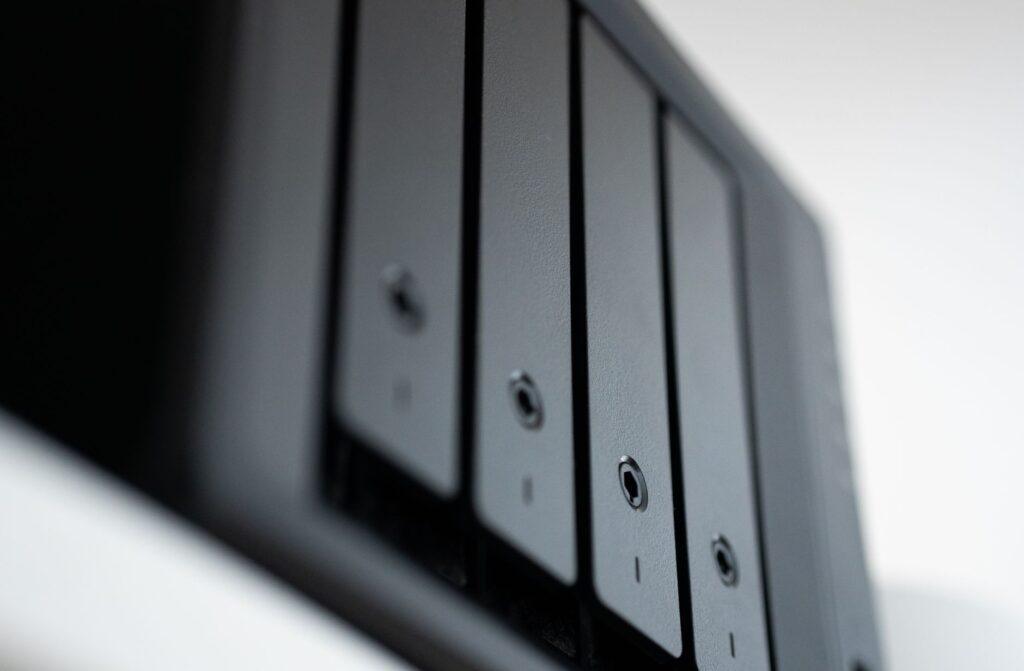
I remember years ago, before cloud backup was really a thing, my friend lost his entire photo library from his wedding because his hard drive crashed and he hadn’t backed anything up. It was heartbreaking. He’d spent thousands on professional photos, and they were all on that one, now-useless, hard drive. This is the primary reason local backups became so popular. You buy a physical device, like an external hard drive or a Network Attached Storage (NAS) device, and you copy your important files directly onto it. It’s tangible, you can hold it, and you don’t need an internet connection to access your data. It’s all right there, at your fingertips, ready to restore at a moment’s notice, usually within minutes or hours.
Then you’ve got cloud backup, which has really taken off in the last decade or so. Companies like Backblaze, Carbonite, or even the built-in iCloud or Google Drive services offer a way to send copies of your files to their secure servers over the internet. It’s like having a digital safety net. If your house burns down, your computer gets stolen, or that external hard drive you tucked away in a drawer somehow gets corrupted, your data is still safe, stored off-site. This is a huge advantage for disaster recovery. For example, if a fire destroys your office and all your equipment, your crucial business files are still accessible from anywhere with an internet connection, allowing you to get back up and running much faster.
Honestly, the peace of mind that cloud backup offers is incredible, especially if you’re not the most tech-savvy person. You can often set it to run automatically in the background, and you don’t have to remember to plug in an external drive. Plus, many services offer unlimited storage for a relatively low monthly fee, often in the $5 to $15 per month range for personal use, which can be more cost-effective than buying and replacing multiple external hard drives over time. For a small business, paying around $100 to $500 per year for a robust cloud backup solution can be a smart investment, protecting against potentially catastrophic data loss.
But here’s the catch, and it’s a big one: speed. Restoring a massive amount of data from the cloud can take a really long time, especially if your internet connection isn’t lightning fast. Imagine needing to restore several terabytes of data after a major hardware failure. Downloading that much information could literally take days, if not weeks. I’ve heard stories of people waiting 48 hours or more just to get their essential files back. That’s not exactly ideal when you’re trying to get your business operations back online. And don’t forget about the ongoing costs; while the initial investment for a local backup solution like an external hard drive might be a bit higher upfront, sometimes $50 to $200, it’s a one-time purchase that doesn’t accrue monthly fees, unlike a cloud backup service which will keep charging you month after month, year after year.
This is why I’m a huge believer in a hybrid approach. My personal setup involves both. I have a NAS device in my home for quick, regular local backups of my most critical files, and I also subscribe to a cloud backup service for an off-site copy. It’s like wearing a belt and suspenders – a bit overkill for some, maybe, but it covers all the bases. This strategy ensures I have fast access to my data locally for everyday restores, and robust protection against catastrophic events through my cloud backup. It really does feel like the safest way to go, even though it means managing two different systems and incurring both upfront and ongoing costs. You’re looking at potentially $100 to $500 for a decent NAS and external drives, plus $5 to $15 per month for the cloud service.
The single biggest downside to local backups, aside from the obvious risk of local disaster, is that you have to remember to do it. If you’re not using an automated system like a NAS, you’re relying on yourself to plug in that external drive regularly. Life gets busy, and it’s easy to forget, leaving your data vulnerable. I once had a client who swore they were backing up regularly, only for us to discover their external hard drive hadn’t been plugged in for three months. That’s a significant gap in protection, and a situation that a continuous cloud backup service would have easily prevented.
Ultimately, relying solely on cloud backup might be fine for someone with minimal data and a blazing-fast internet connection, but for most people, especially businesses, the reliance on internet speed for restores is a deal-breaker. The reality is, the best backup strategy is the one you actually use, and sometimes that means having multiple redundant systems, even if it feels a little paranoid. You could probably get away with just a USB stick for your most crucial documents, but who actually does that?